
Fillmore County Court Dockets
A docket is the court's working schedule and event record. For Fillmore County, the docket belongs to District Court because Minnesota uses District Court as the local trial court for civil, family, probate, juvenile, criminal, and traffic matters. The docket may show an upcoming hearing, an order to show cause hearing, a review hearing, a settlement conference, or another event. It may also show where the hearing is set, such as Main Courtroom or Zoom Session.
A docket is narrower than a full case record. It may tell a reader that a motion was filed or a hearing was set, but it may not include the motion text, exhibits, confidential attachments, sentencing comments, or sealed documents. Full case records are handled through MCRO Case Search, Document Search, and Fillmore Court Administration. Docket data is best for timing, status checks, and courtroom planning.
The Fillmore County District Court page is the official local page assigned to court dockets and calendar access.
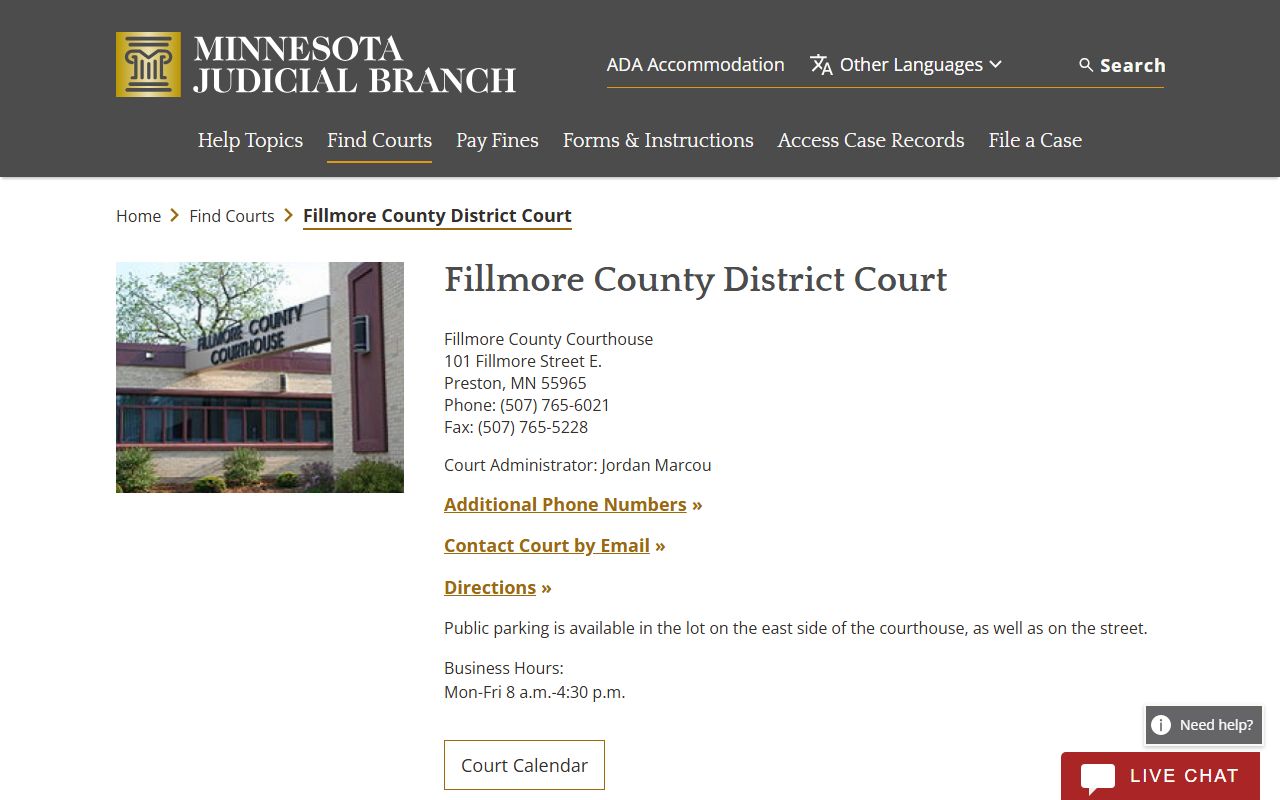
That court page links the local court setting to the statewide calendar and hearing-search tools used for Fillmore County dockets.
Search Fillmore County Court Dockets
The two main online docket paths are the Fillmore daily public calendar PDF and MCRO Hearing Search. The daily calendar is a public schedule posted for the county and updated during business days. Hearing Search is broader and can be searched by name, case number, judicial officer, or attorney, with a required hearing date or date range.
- Start with the Fillmore District Court page when the goal is today's local calendar.
- Use MCRO Hearing Search when a date range, party name, case number, judge, or attorney search is needed.
- Select Fillmore as the county location when a statewide search would be too broad.
- Read the hearing type, date, time, location, judicial officer, and connection type together.
- Call Court Administration if the matter is time sensitive or the online docket conflicts with courthouse posting.
Printed calendars in courthouse lobbies or outside courtrooms may be more current than a copy saved earlier in the day. The research notes that the daily calendar PDF is posted at 7:00 a.m. and updated hourly on business days, but hearings can still change.
Fillmore County Docket Search Fields
MCRO Hearing Search has different fields than MCRO Case Search. A hearing-date field is required because the tool is built around scheduled events. The county selector can limit results to Fillmore County. Name searches can use exact names or wildcard rules, but restricted case types and pending no-conviction criminal, traffic, or petty misdemeanor matters may not appear by defendant name.
| Field Label | Type | Required | Notes / Format |
|---|---|---|---|
| Search tabs | Tab control | Yes | Name, Case Number, Judicial Officer, or Attorney. |
| Select Name Type | Segmented control | For name search | Person or Business. |
| Last Name / First Name / Middle Name | Text | First and last for person search | Wildcard after two characters; Sounds Like option may broaden results. |
| Hearing Date | Radio and date input | Yes | Exact date or date range. |
| Case Category | Checkbox group | No | Civil, Criminal, Family, Probate or Mental Health. |
| Court Locations | Radio and county selector | No | Select County and choose Fillmore for local docket results. |
The MCRO Hearing Search page is the statewide docket search interface for Fillmore County hearings.
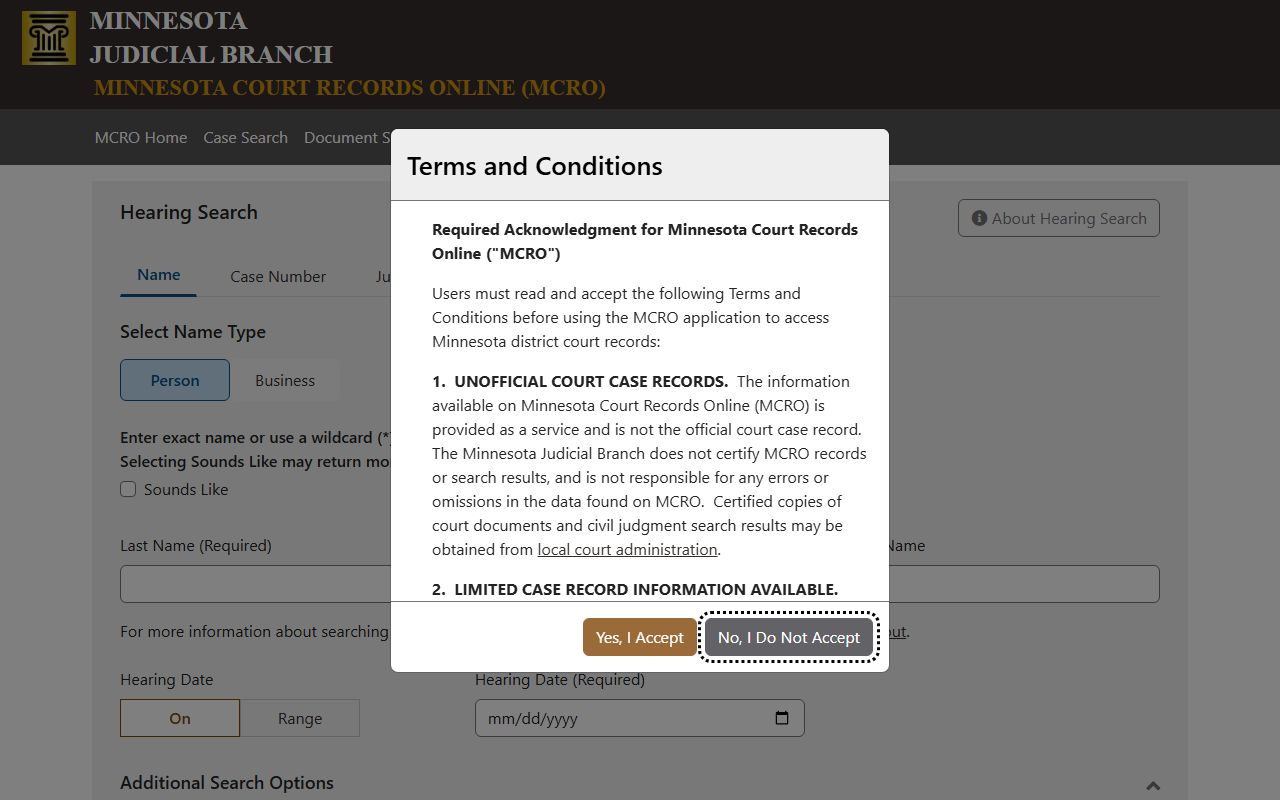
Hearing Search is strongest when the user knows a date or date range and needs to confirm public hearing details.
Fillmore County Docket Entry Fields
The Fillmore daily calendar sample gives a practical field inventory for public docket entries. The calendar does not include every matter handled each day. Confidential cases and cases not remotely accessible under Rule 8 are not posted. That means a missing calendar line does not always mean no hearing exists.
| Field | What It Shows |
|---|---|
| Party Name | May show defendant, respondent, attorney connection, or other party role. |
| Hearing Location | Examples include Main Courtroom and Zoom Session. |
| Hearing Date | The scheduled date in month/day/year format. |
| Time | The scheduled hearing time. |
| Judicial Officer | The judge, referee, or hearing officer assigned to the event. |
| Hearing Type | Examples include Review Hearing, Order to Show Cause Hearing, Settlement Conference, and Hearing. |
| Connection Type | May identify Attorney, Defendant, Respondent, or another participant role. |
| Case Number | Fillmore examples include 23-CR-25-449, 23-CR-25-690, and 23-FA-22-84. |
Note: A docket line is a schedule or event marker, not a certified copy of the court record.
Courts Publishing Fillmore County Dockets
The relevant court for Fillmore County dockets is Fillmore County District Court. The court is part of Minnesota's Third Judicial District, which serves southeast Minnesota counties including Fillmore. The district page identifies the Third Judicial District as an administrative district, while the local Fillmore District Court page identifies original jurisdiction in civil, family, probate, juvenile, criminal, and traffic cases.
No separate Fillmore County municipal, justice, JP, county court at law, or stand-alone probate court was found for court-case jurisdiction. City police contacts, sheriff contacts, and county departments may create related records, but court dockets after filing are District Court dockets. A police contact is not a court venue.
Use Fillmore County District Court for public hearing calendars and case dockets, Fillmore Court Administration for current scheduling questions and certified copies, and the Third Judicial District page for administrative policies and district context. Those are related sources, but only the local District Court docket tells a person where a Fillmore case is scheduled.
Fillmore Court Dockets vs Case Records
A docket helps answer when and where something is scheduled, what event occurred, and which case number to use next. A full court record answers broader questions about the pleadings, orders, public documents, disposition, and sentence. For example, a docket may show that a review hearing is set, while the case file may contain the order that led to the review.
| Point | Docket | Full Case Record |
|---|---|---|
| Format | List of scheduled hearings and docket events. | Register of Actions plus public documents where available. |
| Main Use | Track dates, locations, hearing types, and status. | Review filings, orders, judgments, dispositions, and sentences. |
| Online Route | Daily calendar PDF and MCRO Hearing Search. | MCRO Case Search, Document Search, Judgment Search, and court office requests. |
| Limits | Confidential and non-remote entries may be omitted. | Documents may be sealed, redacted, or courthouse-only. |
Reading Fillmore County Docket Entries
Read the hearing type with the case category. A review hearing in a criminal case may mean something different from a review hearing in a family or probation matter. A settlement conference points to case-resolution work, often in civil or family matters. An order to show cause hearing usually asks a person to explain why the court should not take an action based on noncompliance or another issue.
Location is also important. Fillmore calendar entries may list Main Courtroom or Zoom Session. The Fillmore District Court page links remote hearing information, eCheck-in, hearing reminders, local hearing appearance policy, an electronic-device order, and visual or audio recording rules. A remote label does not remove the need to appear. It changes how the hearing is attended.
For certified docket history or a complete case file, use Fillmore County court records through the court-record workflow rather than relying on a single calendar entry.